Which Lego parts do I need?
Getting all the right gear
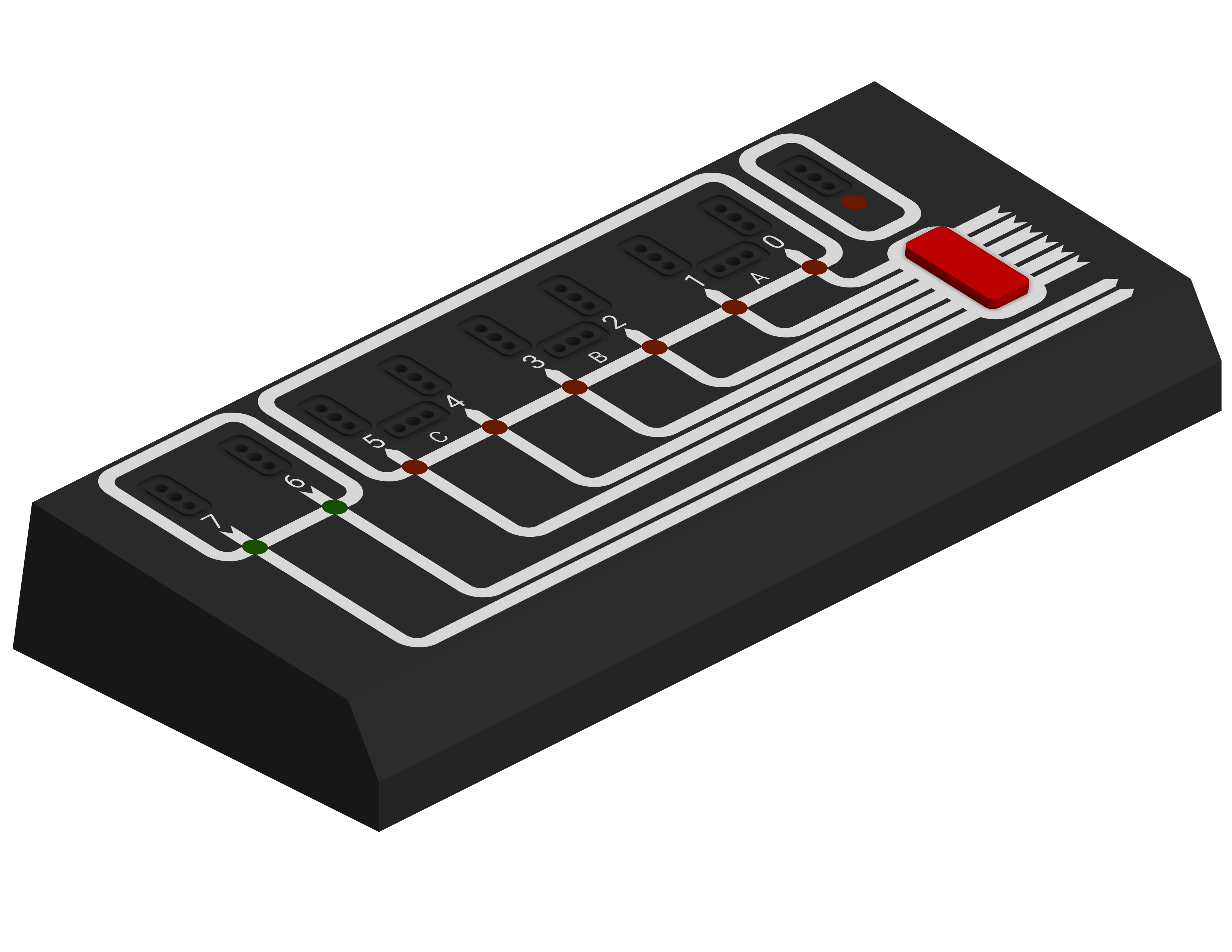
To use Blocko you will need a Lego Technic Interface A (Lego 9750) with included cable (a standard IDC-20 cable) and 9 volt power supply, at least one Lego Technic 4.5v motor, and lots of Lego Technic bricks to build cool stuff. The LEGO Dacta: Technic Control Center (Lego 9700) is a great set that includes all of the motors, sensors, and bricks you will need to get started. The Lego Dacta: Basic Resource Set (Lego 9605) is a great set to add on to this for more options.
Getting Started with Blocko
Blocko Installation is easy!
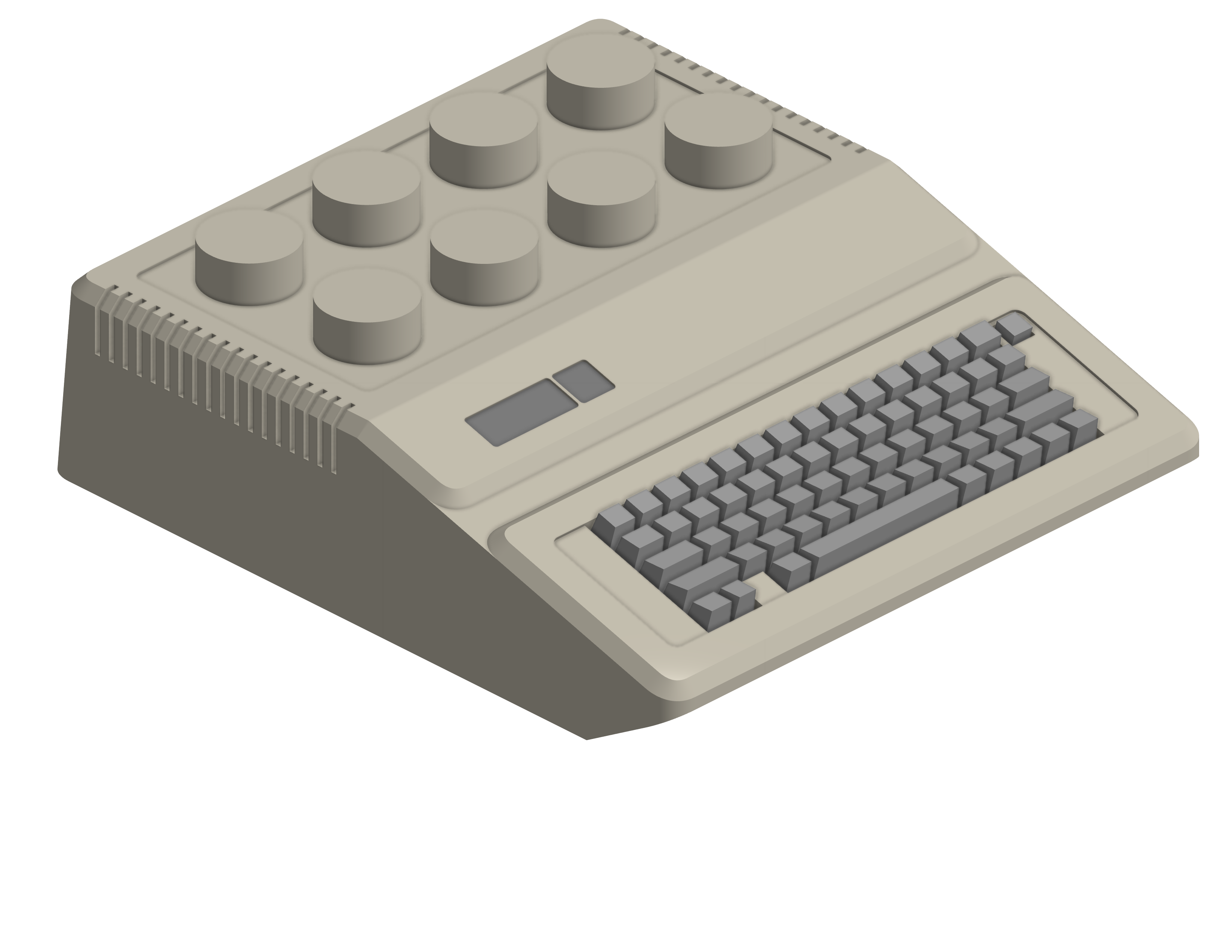
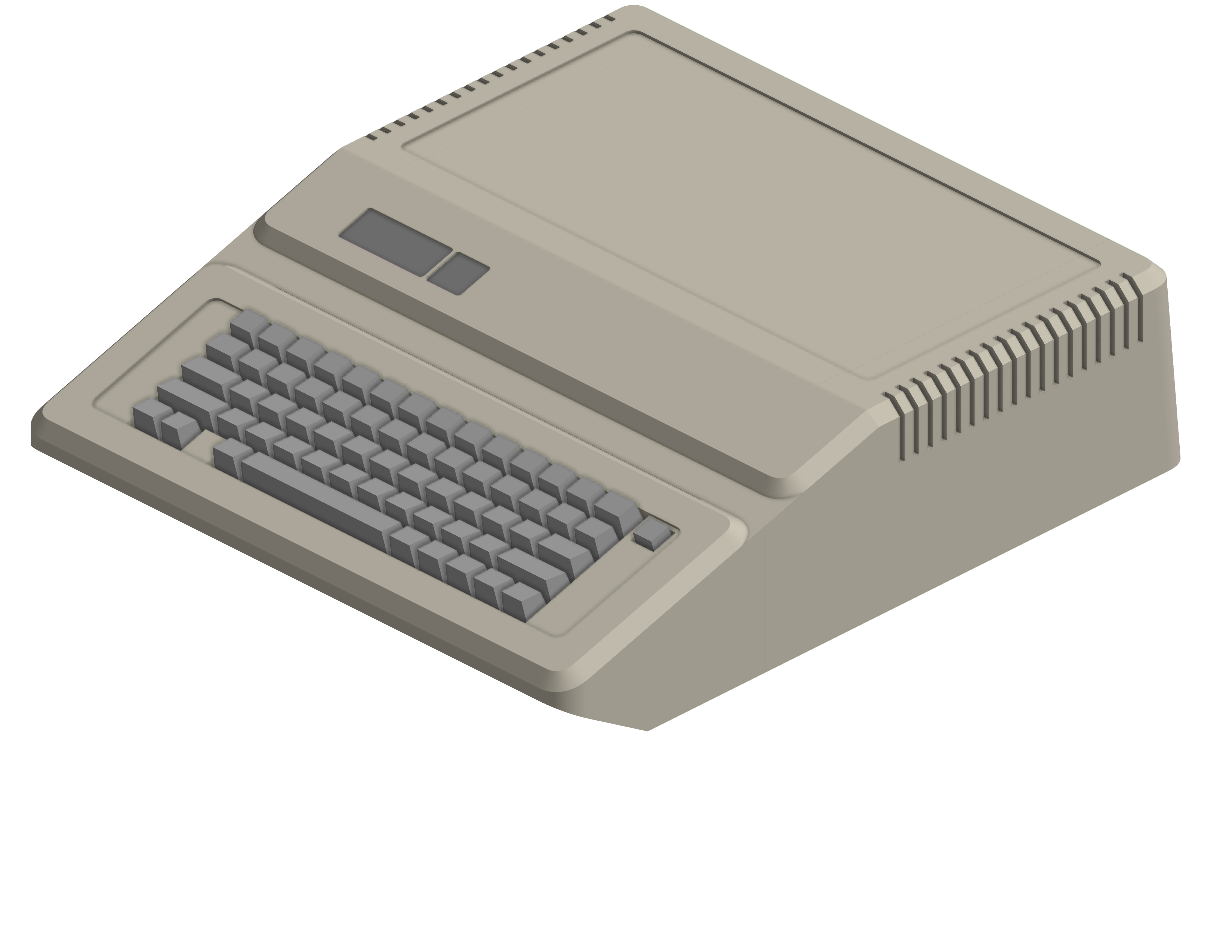
To get up and running with blocko just remove the top from your computer, insert the card into any slot (slot 3 recommended by the Lego official documentation), plug the card into the Interface A, plug the Interface A into power, and then power on the computer with the Lego TC Logo disk in the drive.
It's that simple!
Software and Documentation
How do I use this thing?
Blocko works with the Lego TC Logo software provided to schools in the 1980s and 1990s. This allows you to control the motors, lights, and sensors with the educational programming language LOGO.
Software Downloads
Lego TC Logo Disk Image (in .dsk format) from the Internet ArchiveLego TC Logo Disk Image (in .do format) from the Internet Archive
Documentation
Lego 9750 User Guide (Manual for the original card) from the Internet ArchiveLego TC Logo: Reference Guide from the Internet Archive
Lego TC Logo: Quick Reference Guide from the Internet Archive
Lego TC Logo: Setup Guide from the Internet Archive
Lego TC Logo: Making Machines from the Internet Archive
Lego TC Logo: Getting Started from the Internet Archive
Lego TC Logo: Teacher's Guide from the Internet Archive
Lego TC Logo: Teaching the Turtle from the Internet Archive
Lego TC Logo: Activity Cards (Build Instructions) from the Internet Archive